
JalTool Technology
Connecting Diagnostic Intelligence
Explore the technology behind JalTool vehicle diagnostics, ECU and TCU communication, diagnostic hardware and software integration.
Designed around supported vehicle systems and diagnostic procedures across multiple professional equipment sectors.
Technology Behind Professional Vehicle Diagnostics
Modern vehicles and specialized equipment rely on electronic control units to manage engines, transmissions and other vehicle systems.
Professional diagnostics requires more than a physical connection. It involves identifying the correct control unit, selecting an appropriate communication method and using the corresponding software procedure.
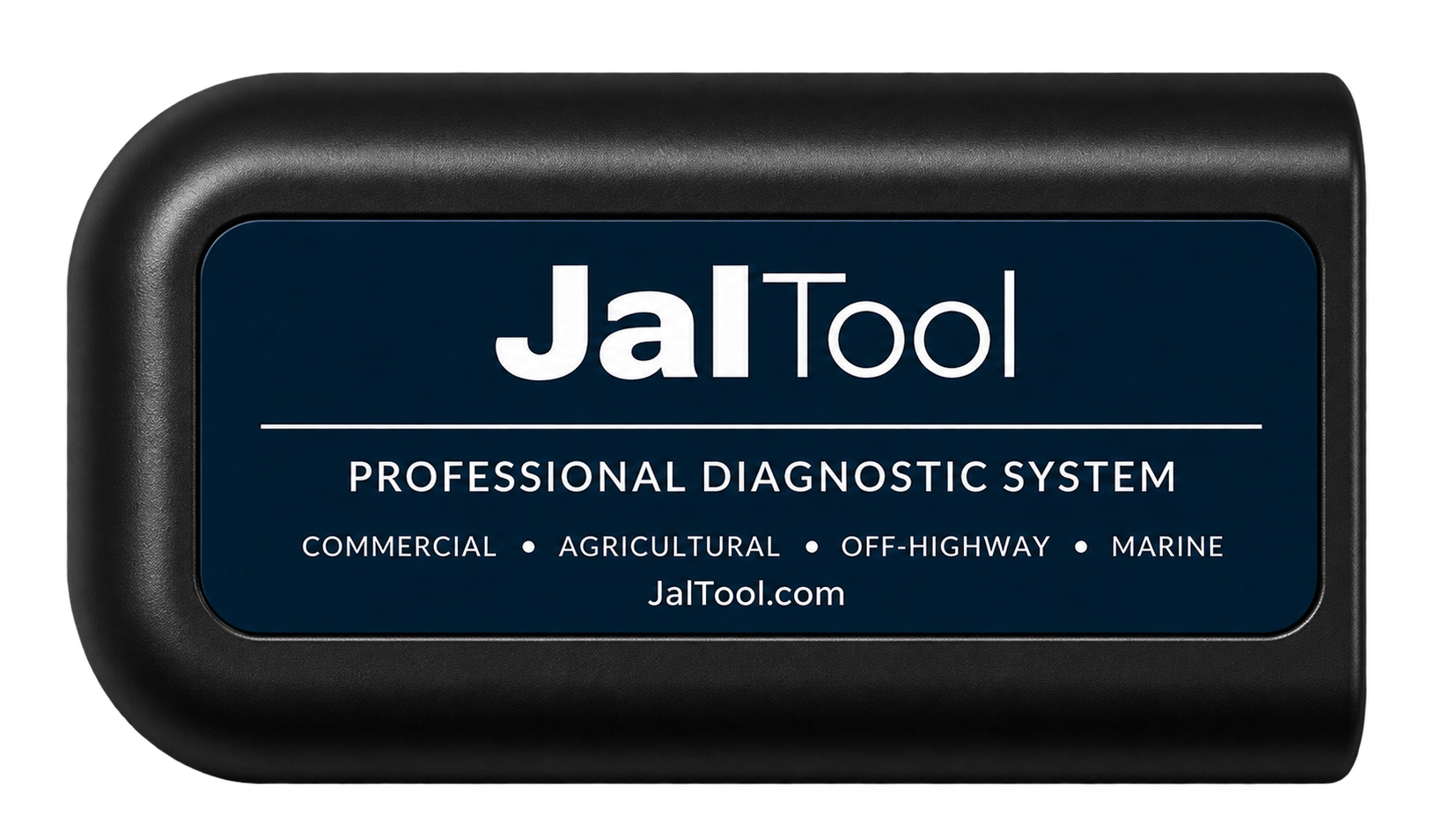
JalTool brings diagnostic hardware, software and supported communication procedures together to provide access to supported vehicle electronic systems.
Accurate identification, appropriate communication,
software-controlled operations and verified
compatibility are essential parts of a reliable
diagnostic workflow.
Every vehicle, ECU and diagnostic function must
be evaluated according to its specific support
requirements.
Six Key Areas of JalTool Technology
An overview of the main technology areas involved in professional vehicle diagnostic and electronic control unit operations.
Diagnostic Hardware
A diagnostic interface that connects a compatible computer with supported vehicle and electronic control systems.
Communication Technology
Communication through supported diagnostic interfaces and connection procedures, depending on the specific vehicle and ECU.
ECU & TCU Technology
Identification and supported operations involving engine control units, transmission control units and other electronic modules.
Diagnostic Software
Software-based vehicle selection, control-unit identification and access to available diagnostic procedures.
Data Operations
Supported reading and writing operations according to the ECU, connection method and available software procedure.
Vehicle Compatibility
Vehicle, control-unit and function coverage organized across six professional equipment sectors.
How the JalTool Diagnostic System Works
A simplified representation of the diagnostic workflow between the computer, hardware, vehicle communication and supported software functions.
The actual communication sequence and available operations depend on the selected vehicle, control unit, software procedure and connection method.
JalTool Professional Diagnostic Interface
The JalTool diagnostic hardware serves as the physical interface between a compatible computer and supported vehicle electronic systems.
It works together with JalTool software to perform available diagnostic operations through the specified connection procedure.
Understanding Diagnostic Connection Methods
Different electronic control units require different communication and access procedures. The correct connection method must be selected according to the supported ECU application.
OBD Communication
OBD uses the vehicle's diagnostic connector to access supported electronic systems. Availability depends on the vehicle, ECU and selected operation.
Bench Communication
Bench procedures connect directly to a control unit outside the vehicle using the documented power and communication connections for the specific ECU.
Boot Communication
Boot procedures provide specialized access to certain supported electronic control units. The exact requirements depend on the control-unit generation and procedure.
ECU & TCU Identification and Operations
Understanding the electronic control unit is an essential step in determining the correct diagnostic procedure.
Engine Control Unit
Engine control units manage electronic engine functions and related control strategies. Diagnostic access depends on the specific ECU and available procedure.
- ✓Control-unit identification
- ✓Supported diagnostic operations
- ✓Available ECU data operations
- ✓Applicable connection methods
Transmission Control Unit
Transmission control units manage electronic transmission functions. Compatibility depends on the transmission controller, hardware version and supported protocol.
- ✓TCU identification
- ✓Supported transmission diagnostics
- ✓Available data operations
- ✓Applicable connection methods
Supported Technology Applications
Depending on the ECU, vehicle and software procedure, different types of diagnostic operations may be available.
ECU Identification
Retrieve available control-unit identification information through supported procedures.
Fault Code Diagnostics
Access supported diagnostic trouble codes and relevant electronic system information.
Live Data
View supported live parameters and available vehicle system information.
ECU Reading
Read supported ECU data using the applicable hardware and protocol.
ECU Writing
Perform supported data writing operations when the specific ECU procedure allows it.
ECU Cloning
Perform supported cloning procedures according to the control-unit type and available data access.
Diagnostic Software & Windows Integration
The JalTool software environment connects diagnostic hardware with the supported vehicle and electronic control unit procedures.
Supported Windows Environment
JalTool diagnostic software is designed for compatible Windows computers. Prepare the computer environment before installing the software.
Check the installation instructions, computer permissions and software package requirements before starting installation.
Software Installation Guide →Recommended Available Disk Space
The JalTool software package is large.
Reserve at least 200 GB of available
free disk space before installation.
Check the actual available space on the
installation drive before downloading
and extracting the software files.
Technology Across Six Equipment Sectors
JalTool organizes its software activation coverage into six professional vehicle and equipment categories.
Commercial Vehicles
Supported trucks, buses and commercial vehicle electronic diagnostic systems.
Agricultural Vehicles
Supported agricultural machinery and related electronic control systems.
Off-Highway Vehicles
Specialized off-highway vehicles and supported diagnostic applications.
Material Handling Equipment
Supported material handling machinery and electronic control systems.
Construction & Special Equipment
Construction machinery and specialized equipment diagnostic applications.
Marine Applications
Supported marine engine and electronic control system applications.
From Vehicle Identification to Diagnostic Operations
A structured workflow helps technicians identify the correct vehicle system and select the appropriate supported procedure.
Identify the Vehicle
Confirm the manufacturer, model, production year and engine configuration.
Identify the Electronic Control Unit
Obtain the ECU or TCU manufacturer, hardware part number and available software identification.
Verify Compatibility
Check whether the vehicle, ECU and requested operation are included in the applicable JalTool coverage.
Select the Correct Connection Method
Follow the specified OBD, Bench, Boot or other supported procedure.
Establish Communication
Check the hardware connection, vehicle power conditions and software communication status.
Perform the Supported Operation
Use the appropriate software function and follow the applicable technical instructions for the control unit.
Explore More JalTool Technical Resources
Continue learning about vehicle diagnostics, software installation and compatibility.
Vehicle Diagnostic Guides
Learn about diagnostic applications across supported vehicle and equipment sectors.
Explore Guides →Compatibility Guides
Understand ECU identification, vehicle compatibility and connection methods.
Explore Compatibility →Software Installation
Review Windows requirements, available disk space and installation instructions.
Installation Guide →Troubleshooting
Find guidance for common software, hardware and vehicle communication problems.
Troubleshooting →JalTool Products
Explore the diagnostic hardware and available software activation packages.
View Products →JalTool Technology FAQ
Common questions about JalTool hardware, software and diagnostic technology.
1. What is JalTool diagnostic technology?
JalTool combines diagnostic hardware, software and supported communication procedures to access compatible vehicle electronic control systems.
2. Which Windows systems are supported?
JalTool software supports Windows 10 and Windows 11.
3. How much disk space should I prepare?
Reserve at least 200 GB of available free disk space before software installation.
4. What connection methods are used?
Depending on the ECU and supported procedure, diagnostic access may use OBD, Bench, Boot or another specified method.
5. Does every ECU support reading and writing?
No. Reading and writing support depends on the exact control unit, protocol, connection method and software function.
6. Does JalTool support ECU cloning?
Cloning is available only for supported ECU applications. Compatibility and supported data areas must be verified for each control unit.
7. What is the difference between hardware and activation?
Hardware provides the diagnostic interface. Software activation determines which applicable diagnostic coverage is available.
8. Where can I check supported vehicles?
Visit the official JalTool Vehicle Coverage page to review available categories, brands, models and functions.
Discover the JalTool Diagnostic Ecosystem
Explore our diagnostic hardware, software packages and technical resources for supported vehicle applications.
Email: support@jaltool.com
WhatsApp: +84 908 532 146
The information presented on this page provides a general overview of JalTool diagnostic technology. Actual vehicle coverage, communication methods and available operations depend on the specific vehicle, electronic control unit, software version, connection procedure and activated package. Not all functions are available for every vehicle or control unit. Always consult the official vehicle coverage information and applicable technical documentation before performing diagnostic or programming operations.