
Technical Resources
For Professional Vehicle Diagnostics
Explore JalTool technical resources covering vehicle diagnostics, software installation, compatibility, troubleshooting and professional workshop procedures.
Find practical information to help prepare your diagnostic setup, understand vehicle systems and work with supported diagnostic functions.
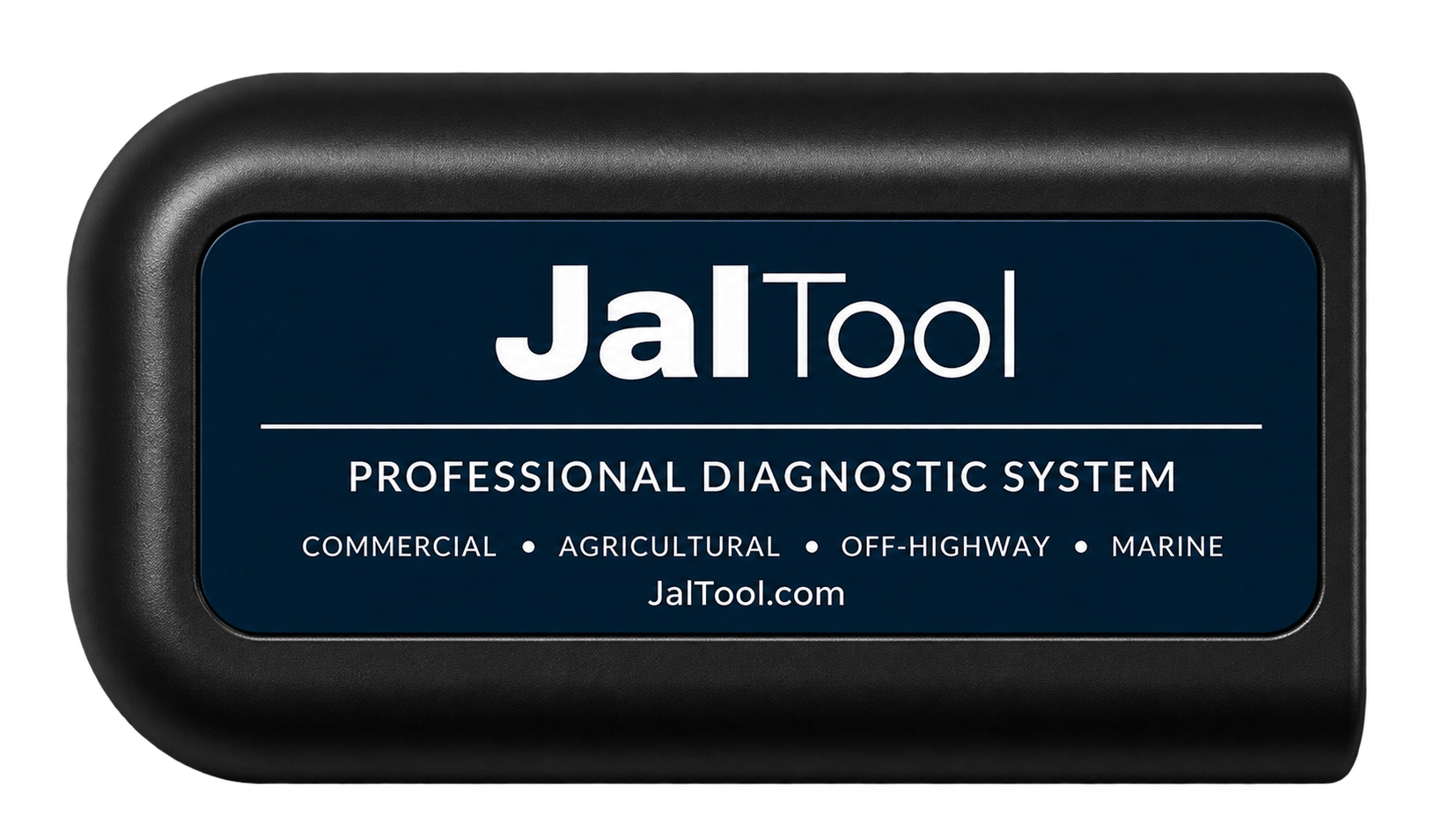
Find the Technical Information You Need
Select a resource category to explore diagnostic knowledge, installation information, compatibility guidance and technical assistance.
Vehicle Diagnostic Guides
Learn about vehicle system diagnosis, fault code analysis, live data, component testing and professional diagnostic procedures.
Explore Diagnostic Guides →Software & Installation
Find information about software preparation, installation requirements, computer configuration and diagnostic device connections.
View Installation Resources →Troubleshooting
Understand common connection problems, device recognition issues, communication errors and diagnostic software difficulties.
Find Troubleshooting Solutions →Vehicle Compatibility Guides
Learn how vehicle manufacturer, model, production year, engine and ECU information affect diagnostic compatibility.
Explore Compatibility →Diagnostic Technology
Understand diagnostic communication, electronic control systems, live data, actuator testing and service functions.
Explore Technology →Technical Blog
Read professional articles about commercial vehicles, agricultural machinery, specialized equipment and diagnostic technologies.
Read Technical Articles →A Structured Vehicle Diagnostic Process
Good diagnostic preparation helps technicians identify problems more efficiently and avoid unnecessary connection or compatibility errors.
Identify the Vehicle
Record the manufacturer, model, production year, engine and relevant electronic control system.
Confirm Compatibility
Check the supported vehicle, ECU and required diagnostic functions before starting.
Prepare the Connection
Check the computer, diagnostic interface, suitable cable, adapter and vehicle power supply.
Perform Diagnostics
Follow the appropriate diagnostic procedure, review available data and record the results.
Technical Resources Across Six Categories
Explore the different vehicle and equipment sectors covered by the JalTool diagnostic platform.
Commercial Vehicles
Trucks, buses, coaches and supported commercial vehicle systems.
Agricultural Vehicles
Tractors, harvesters and supported agricultural machinery.
Off-Highway Equipment
Excavators, loaders and supported construction machinery.
Material Handling
Forklifts, handlers and supported material handling equipment.
Ground Support Equipment
Airport tugs, ground power units and supported airport equipment.
Marine Applications
Marine engines and supported marine electronic systems.
Important Diagnostic Information
Understanding the vehicle and electronic system before diagnosis is an important part of an effective workshop process.
Information to Check Before Diagnosis
The correct vehicle identification helps determine which diagnostic system and functions may be available.
- ✓Vehicle manufacturer and model
- ✓Production year and vehicle generation
- ✓Engine model and configuration
- ✓ECU or control unit identification
- ✓Required diagnostic or service function
Check Before Connecting Your Equipment
Proper preparation helps reduce common communication and connection problems.
- ✓Confirm the correct diagnostic connector
- ✓Check the appropriate cable and adapter
- ✓Check vehicle battery condition
- ✓Confirm computer and software readiness
- ✓Follow the applicable vehicle procedure
What Information Should You Prepare?
Providing complete information helps the JalTool support team understand your diagnostic requirements.
Technical information and diagnostic guidance are provided for general reference. Vehicle compatibility, available diagnostic functions and service procedures can vary according to manufacturer, model, production year, engine, ECU and installed system. Always follow the applicable manufacturer service procedures and use appropriate diagnostic equipment. Confirm specific vehicle coverage with JalTool before ordering or performing a required procedure.